Addon
Every person in the building, accounted for.
Incident activation, the warden mobile app, QR check-in at the assembly point, the PEEP register and broadcast instructions — the evacuation response stack, aligned to AS 3745 and AS 4083.
Incident activation, the warden mobile app, QR check-in at the assembly point, the PEEP register and broadcast instructions — the evacuation response stack, aligned to AS 3745 and AS 4083.
Any operator with a building to clear and people to account for. This is the addon most EMAction clients start with, and it is enabled by default on new deployments.
Floor wardens who are volunteers with day jobs, a Chief Warden who needs a live picture, and multi-tenant floors where the headcount is never stable. Replaces printed assembly lists that go out of date the day after they are printed.
AS 4083 facilities where residents cannot self-evacuate and the PEEP register is the most important document in the building. Night shift has the fewest staff and the most vulnerable occupants — this is the shift the addon is designed for.
Evacuation and lockdown across multiple blocks, with class-level accountability rather than individual desk checks.
Team Leaders on the shop floor, duty managers across multi-floor venues, and Safety Officers on GPS-defined field sites where the assembly point is a geofence rather than a car park.
Eight capabilities that switch on together. Full detail for each on the feature reference.
Activate in under 30 seconds from any device. Category and type picker covering fire, hazmat, security, medical, natural hazard, infrastructure and external. Four severity levels. Wardens and staff in affected locations are notified automatically.
The Quick Response panel — IN POSITION, ALL CLEAR, LAST TO LEAVE, NEED HELP — sized for a phone held in one hand. Wardens see only the incidents affecting their assigned locations, enforced at the query layer rather than hidden in the interface.
A QR code at every assembly point and floor exit pre-fills the check-in form. Four statuses: Safe, En Route, Need Help, Danger. Portal fallback for any device with a browser, and manual warden check-in on behalf of occupants who cannot check themselves in.
Personal Emergency Evacuation Plans with P1–P4 priority, M1–M5 mobility, S1–S4 sensory and cognitive, and E1–E3 medical and equipment classifications. Filterable by building and classification, CSV exportable, and surfaced on its own tab during an incident.
Instruction cards pushed to every connected warden screen over WebSocket — no SMS required. Safe at Work, Evacuate Now, Shelter in Place, Prepare to Leave, and manual instructions. An active broadcast indicator stays visible on all warden dashboards.
Per-location cards with progress bars, status pills, warden coverage indicators and PEEP counts. One screen showing every floor, wing, zone or area and how far through the muster each one is.
Pre-written SMS and email templates managed centrally, sent with one tap during an incident. Removes the need to compose an all-clear message under pressure.
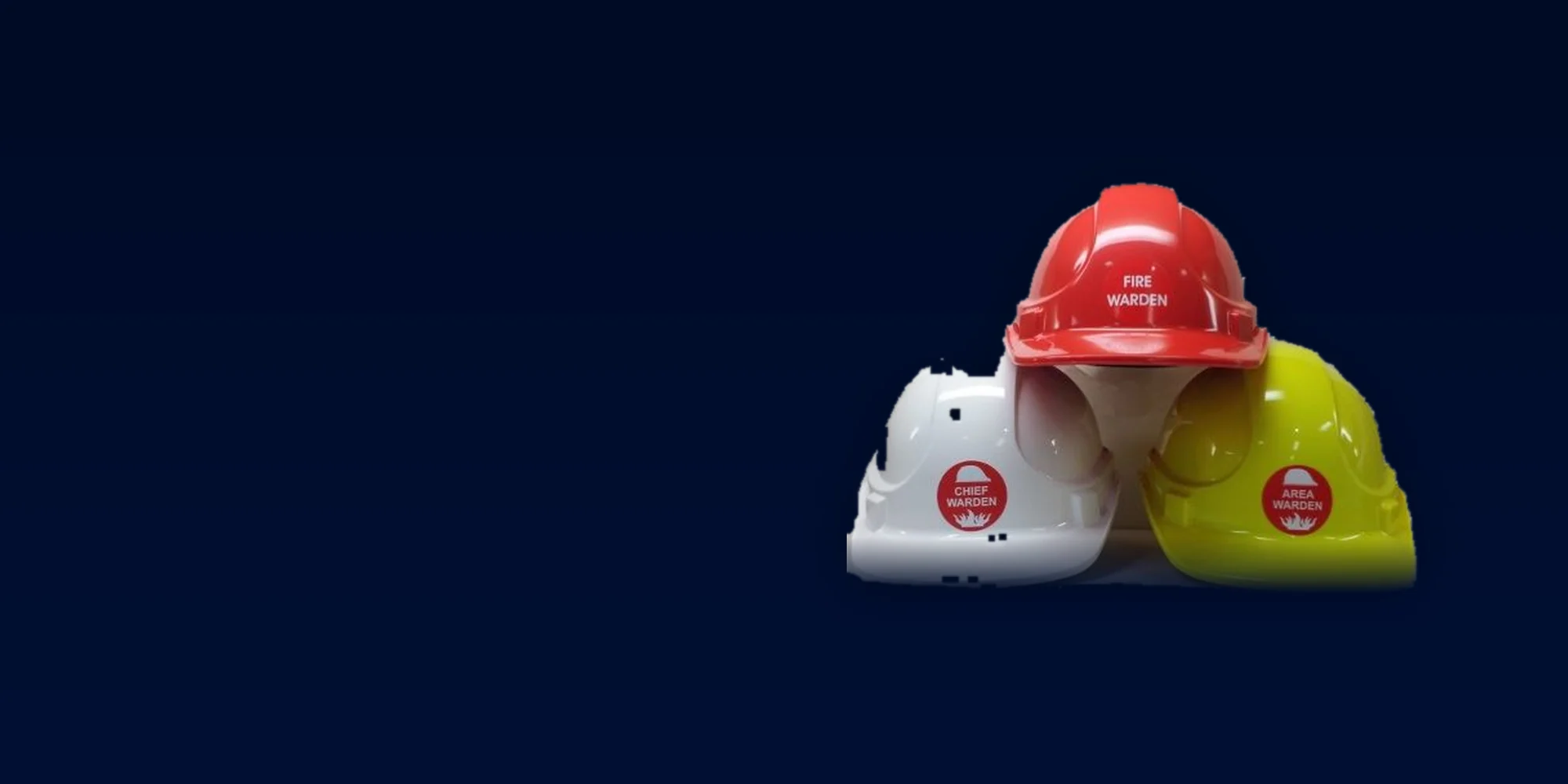
Floor and Area Wardens, Chief Warden and Incident Controller, aligned to AS 3745. Warden assignment across buildings and people, with coverage gaps visible before an incident rather than during one.
AS 3745 and AS 4083 are about evacuation — wardens, musters, check-ins and PEEP. That is this addon. The base platform carries the WHS audit-trail obligations on its own.
Warden structure, assembly and accountability, and the full set of response actions — Evacuate, Partial Evacuation, Shelter-in-Place, Lockdown, Lockout, Standby, All Clear — issued as broadcast instruction cards.
Healthcare code-based incident types, resident-priority evacuation workflows, and the PEEP classification system.
Refusal records formally captured and exportable. The tamper-resistant audit log itself is part of the base platform and records evacuation activity alongside everything else.
EMAction supports these standards — it does not certify against them, and it does not replace your Emergency Warden Instructions. It supports the response; it does not issue the instructions.
A fire alarm activates on the south wing of a 90-bed residential aged care facility. The Chief Warden activates the incident from a mobile phone at the staff station — type, severity, affected wing. Every night-shift carer’s phone shows the broadcast instruction card: Evacuate — South Wing.
The PEEP tab surfaces three P1 residents on that wing — one on oxygen, one with advanced dementia, one wheelchair-assisted. Carers check residents in from the QR code at the assembly point as they arrive; the area status screen fills in wing by wing. A warden taps NEED HELP from a room that is taking too long, and Control sees which room, which warden, and who is still unaccounted for on that wing.
All clear is broadcast from the same screen. Every check-in, message and photo is already on the incident timeline for the morning review — the part of the response that used to be a clipboard and a re-typed spreadsheet.
The base platform owns the incident record — the timeline and audit trail, two-way comms, the live map, photo and video capture, reporting and the AI insights. This addon adds the evacuation response that runs on top of it: activating an incident by hand, mustering people, accounting for them, and directing wardens while it happens.
It is enabled by default. Most EMAction clients have a building to evacuate, so new deployments start with evacuation response switched on. It is packaged as an addon because a minority of clients — home care and community care providers running Lone Worker only — have no building, no wardens and no assembly points. For them the entire interface is switched off rather than left sitting unused.
With the addon off, a tenant still keeps the incident record and everything built on it. A lone-worker escalation creates a real incident, viewable with its full timeline, map, comms and report — it simply has no muster attached to it.
Warden & Evacuation Response is a tenant-level feature flag, not a separate platform to install — it is switched on during initial setup alongside the base platform.
Request a demo